Step 1
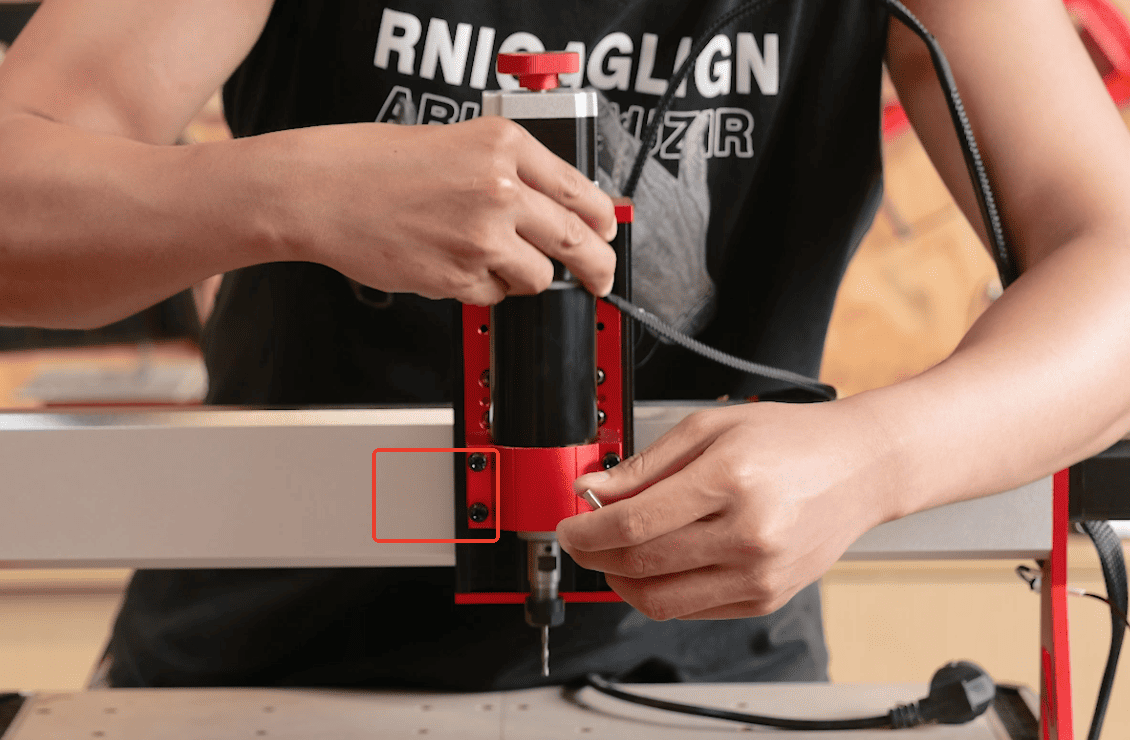
- Loosen the fixture that fixes the spindle and remove the spindle.
Step 2
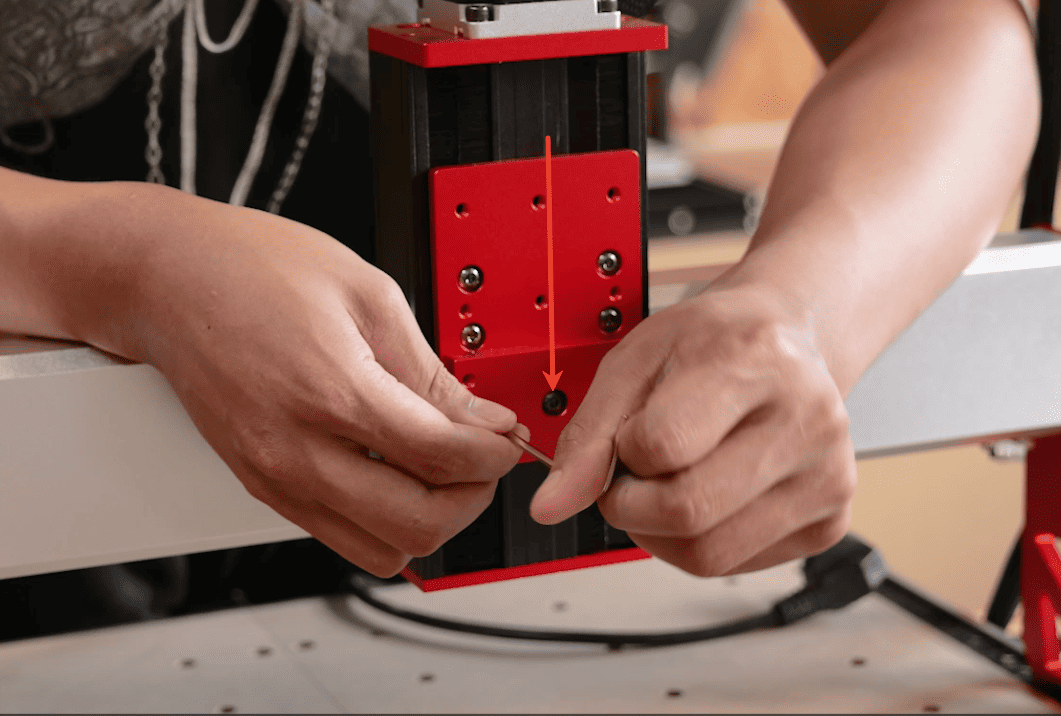
- Remove the base of the fixed fixture
Step 3
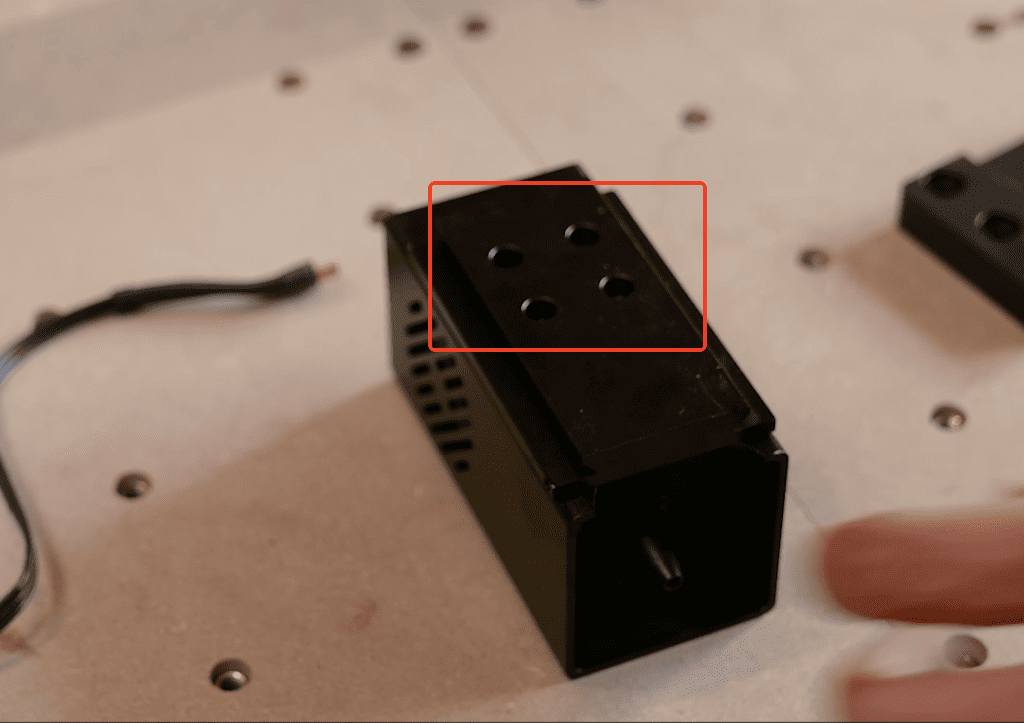
- Fix the tail slotted part onto the laser head
Step 4
- Install the sliding block with the laser slot on the Z-axis slide.
Step 5
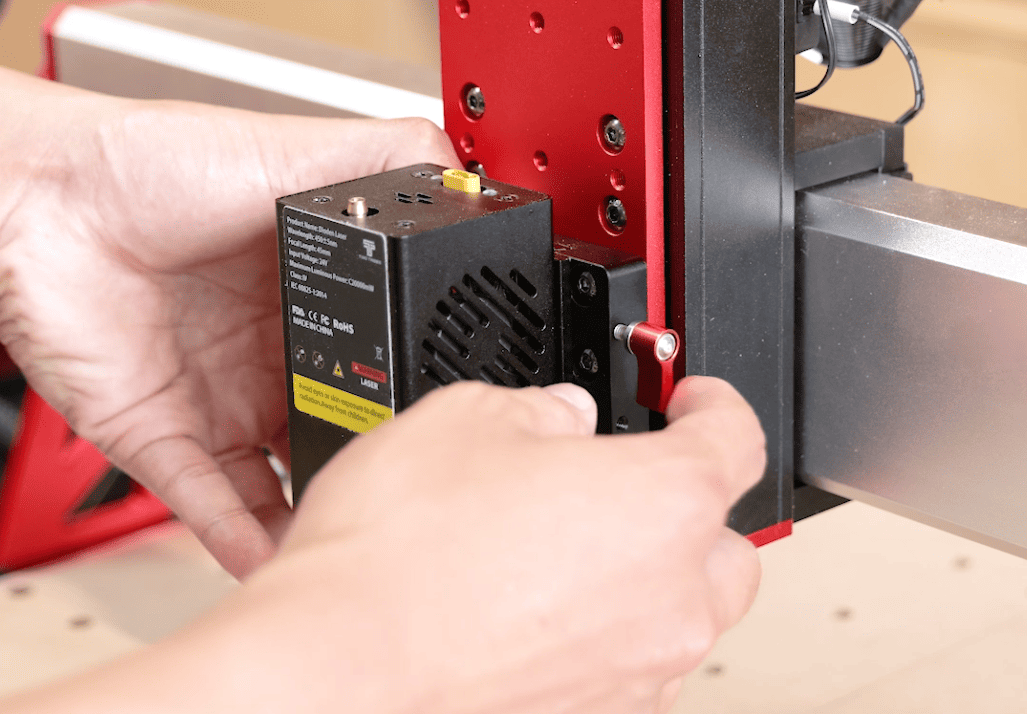
- Insert the laser head into the slot and tighten the red locking bolts on the side.
Step 6
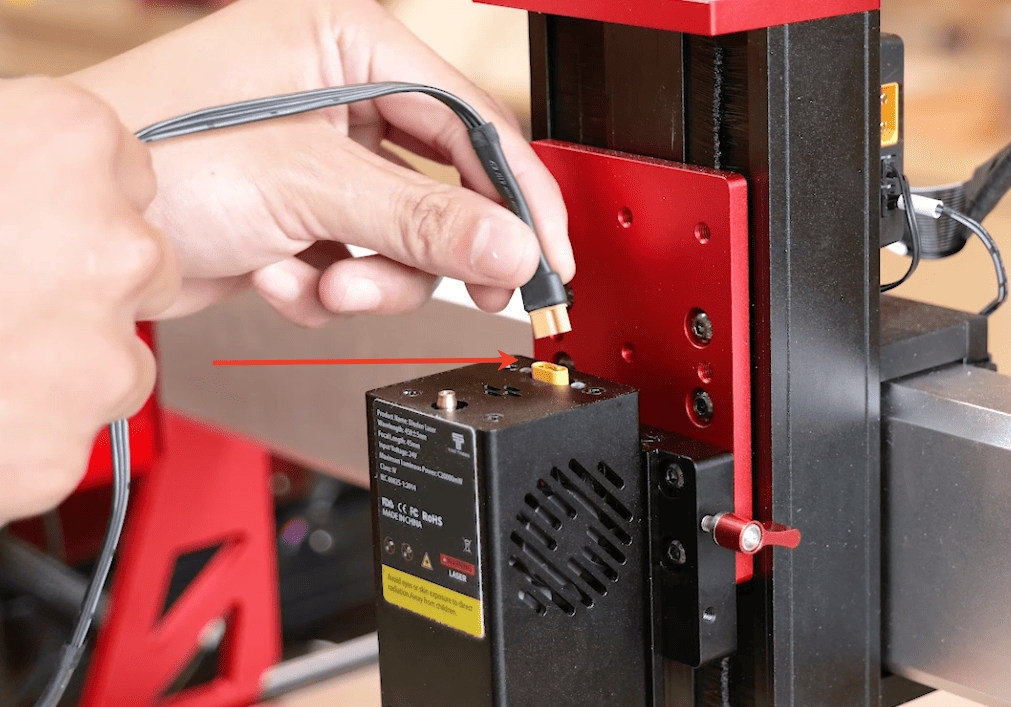
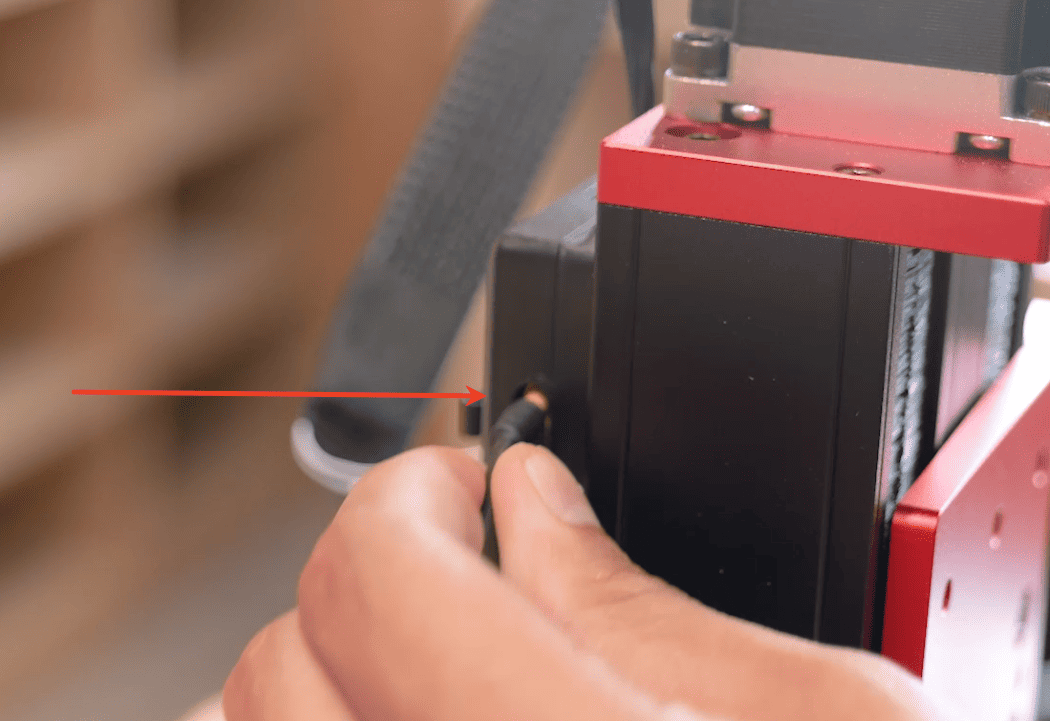
- Connect the laser cable to the socket above the laser head, and the other end to the adapter board behind the Z-axis.
Step 7
- Click on the settings on the screen and switch the machine from CNC mode to laser mode.