¶ Update the firmware
This tutorial explains how to update the firmware for TTC450Pro(25) devices.
Step 1
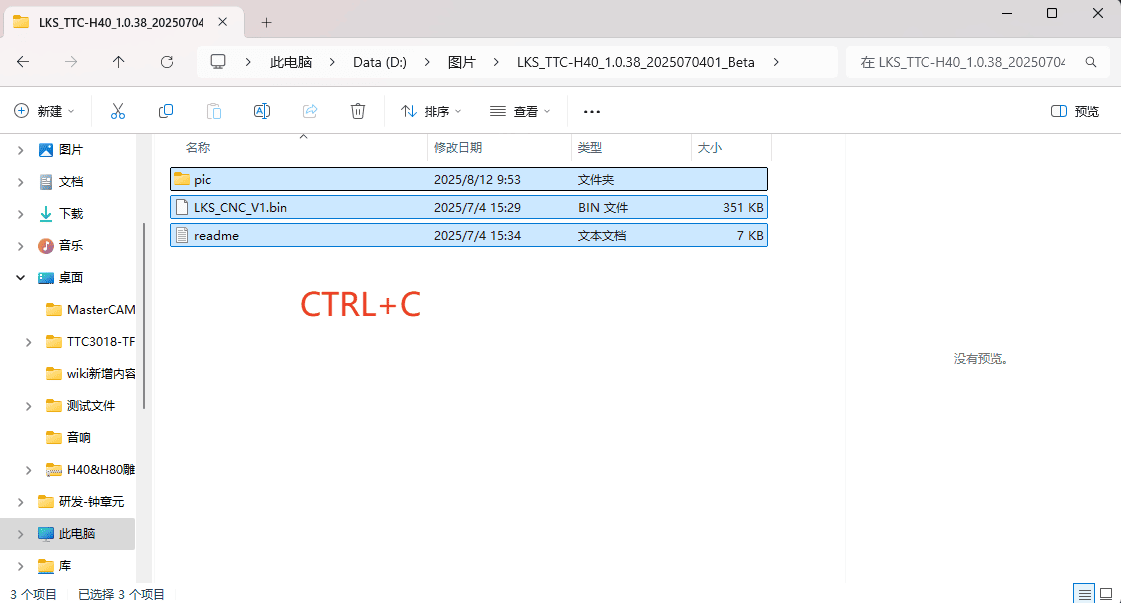
- First, copy all three files within the firmware file.
|
Step 2
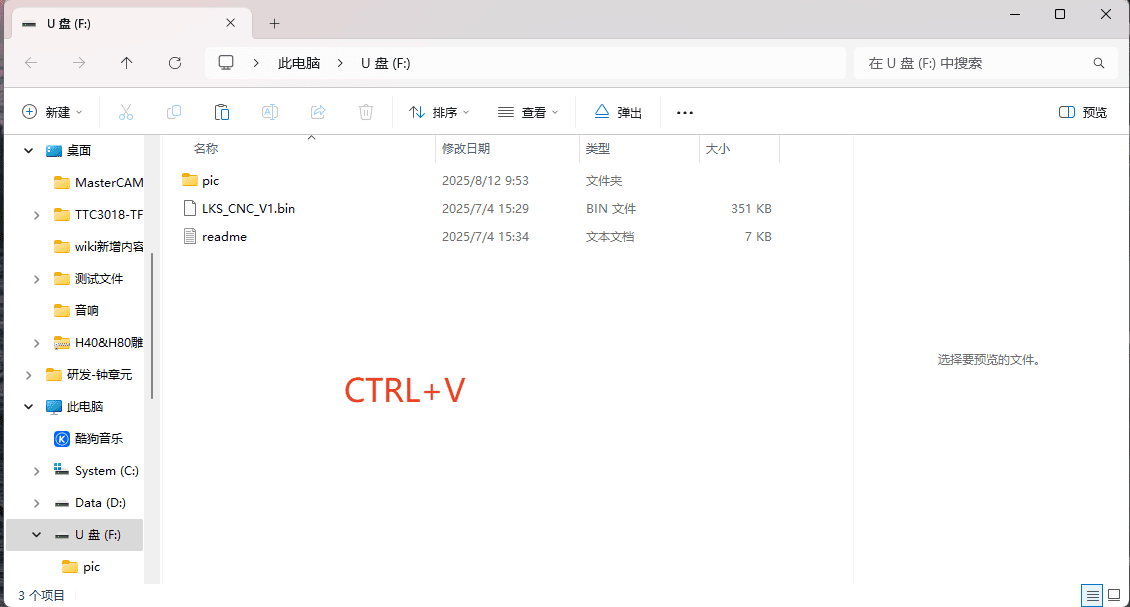
- Copy the copied files to the TF card (Note: The TF card needs to be formatted with FAT32 first and then cleared before being inserted into the firmware)
|
Step 3
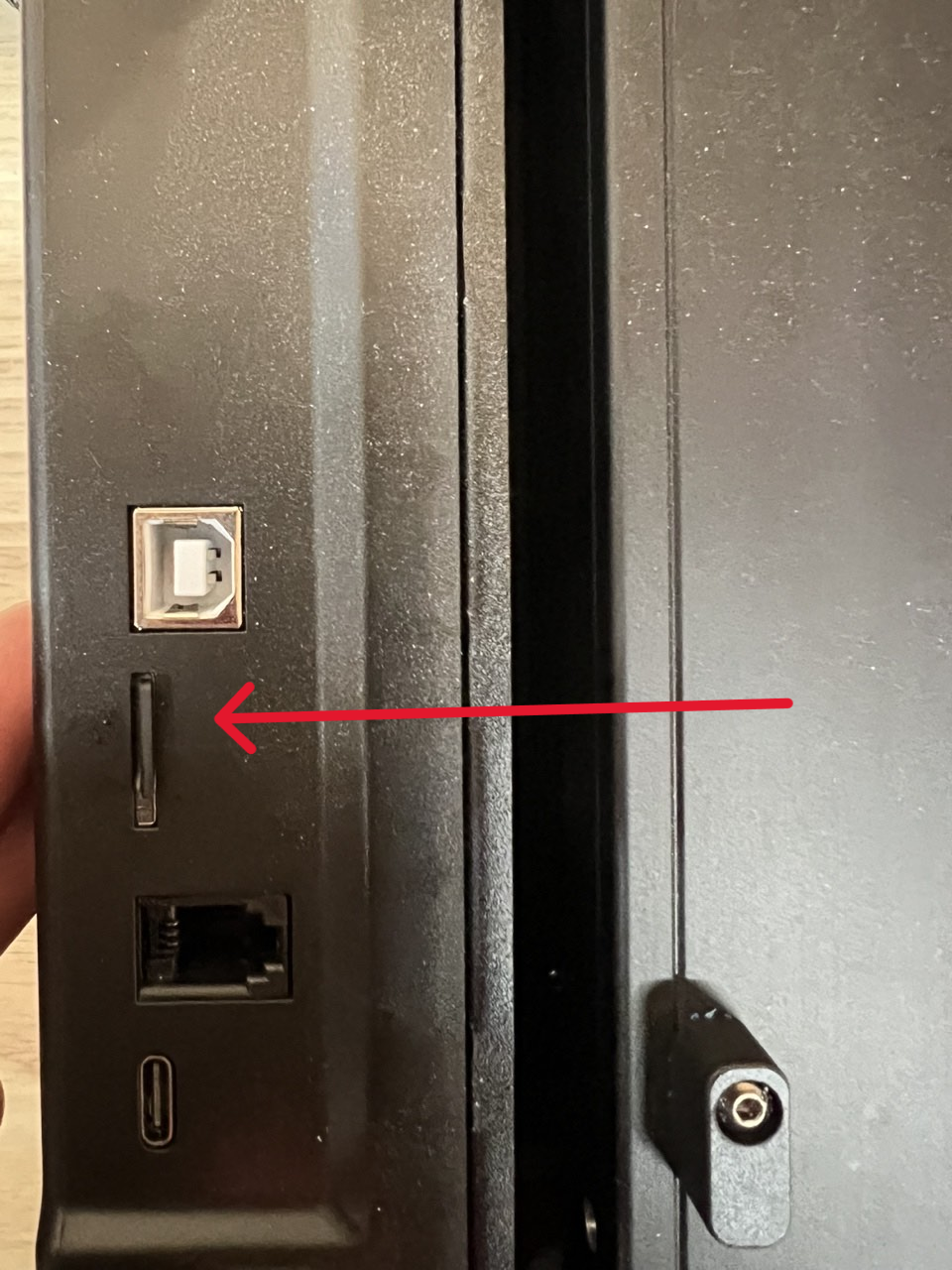
- Insert the TF card containing the firmware into the control box,Insert the power cord to perform automatic firmware update upon startup
|
Step 4
- Once the progress bar has completely finished moving, the operation interface will be displayed and the firmware will be refreshed.

|