¶ Connect the machine
This section explains how to connect the machine and the software, including two connection methods: Bluetooth connection and WiFi connection. The usage depends on the model of the device you have.
¶ Bluetooth connection
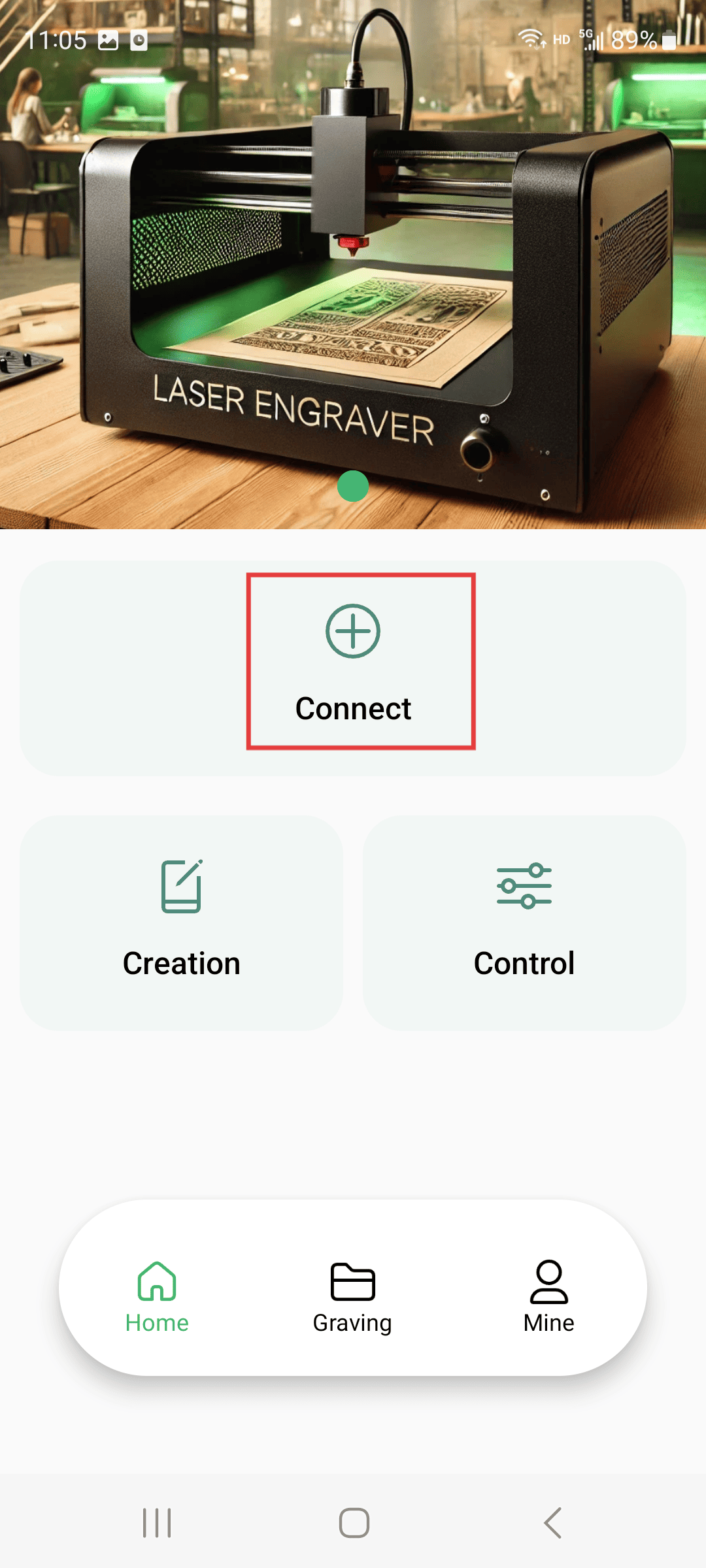
Step 1
- Click on the connection device
|
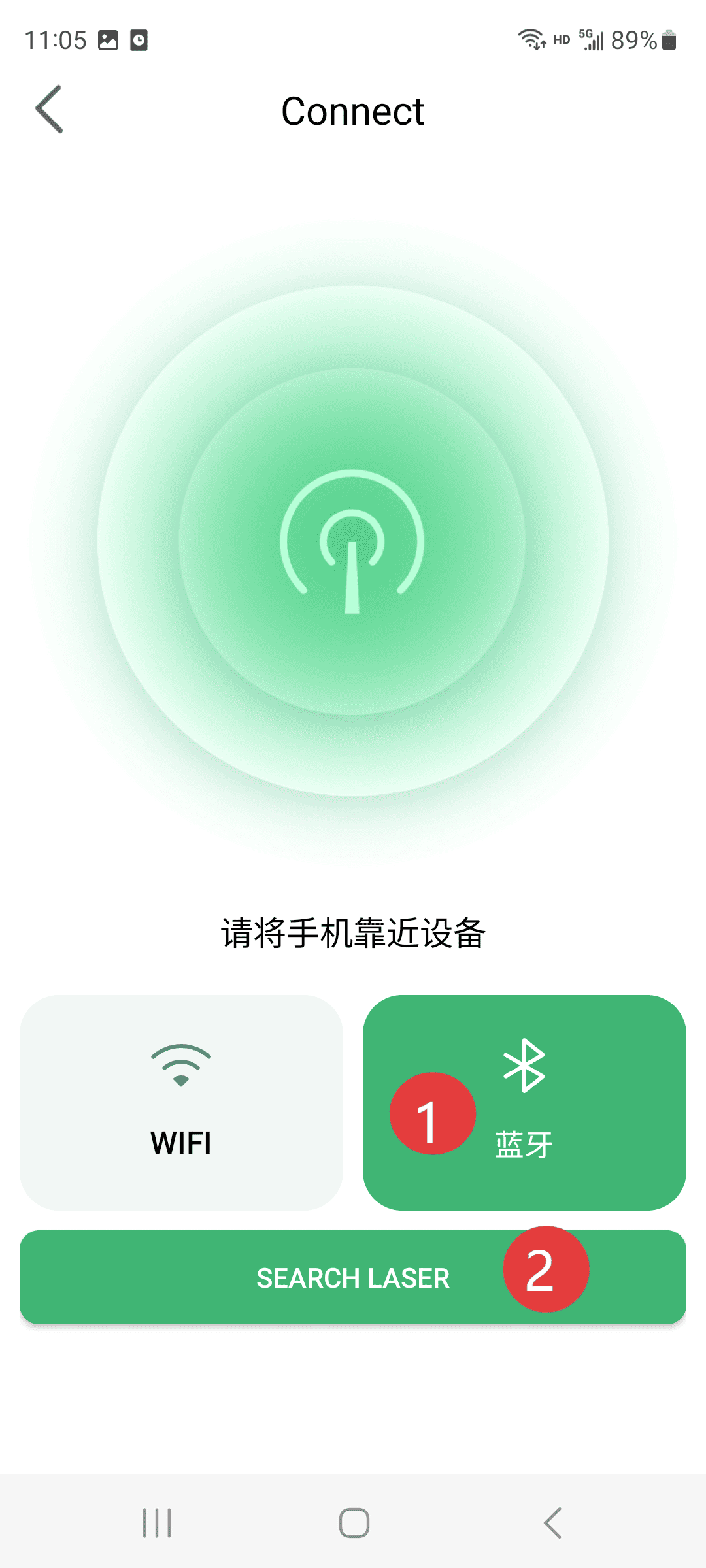
Step 2(Operate according to the sequence numbers)
- 1.Click on the Bluetooth mode
- 2.Click to search for Bluetooth
|
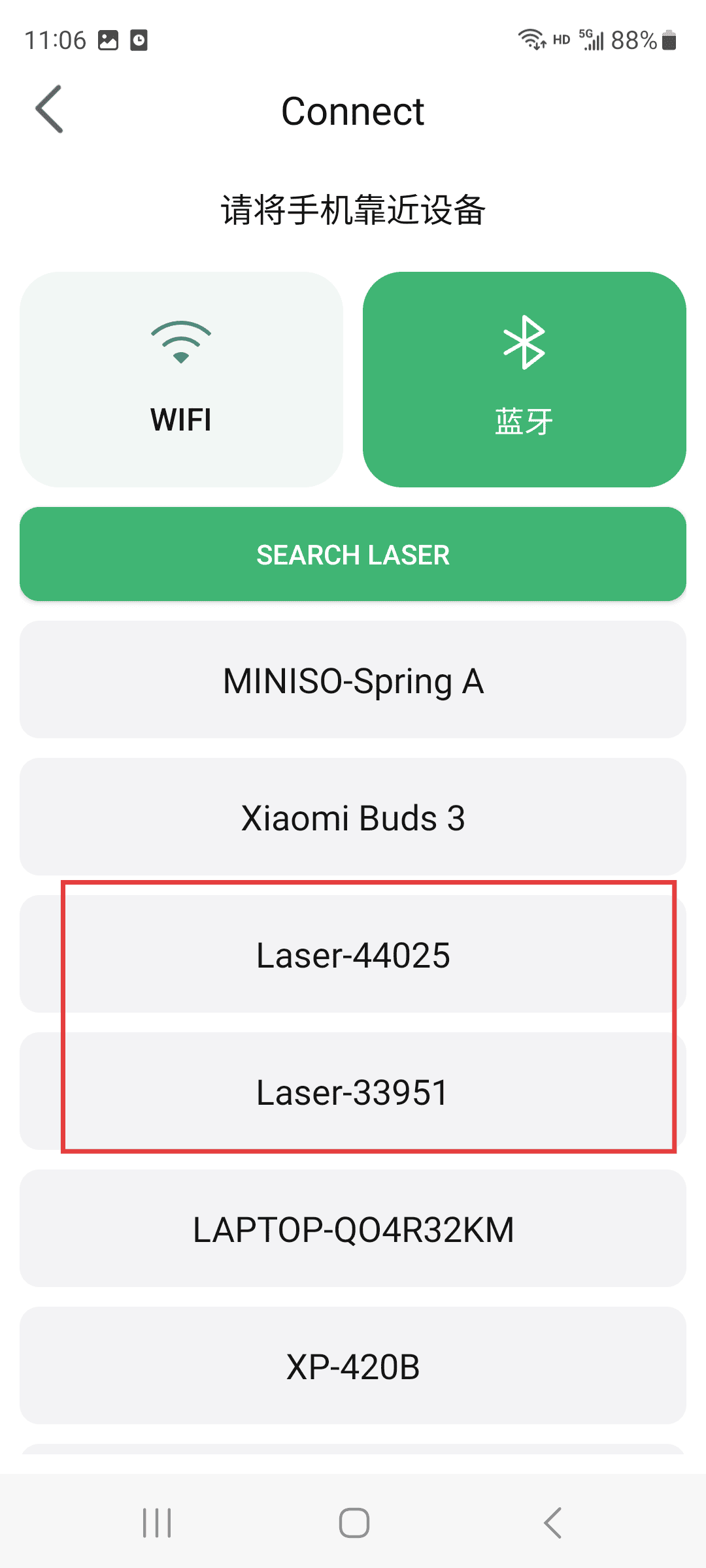
Step 3
- Find the Bluetooth signal whose name starts with “Lasel”. The suffix number is different for each machine. If there is only one machine, there is no need to pay attention to it.
|
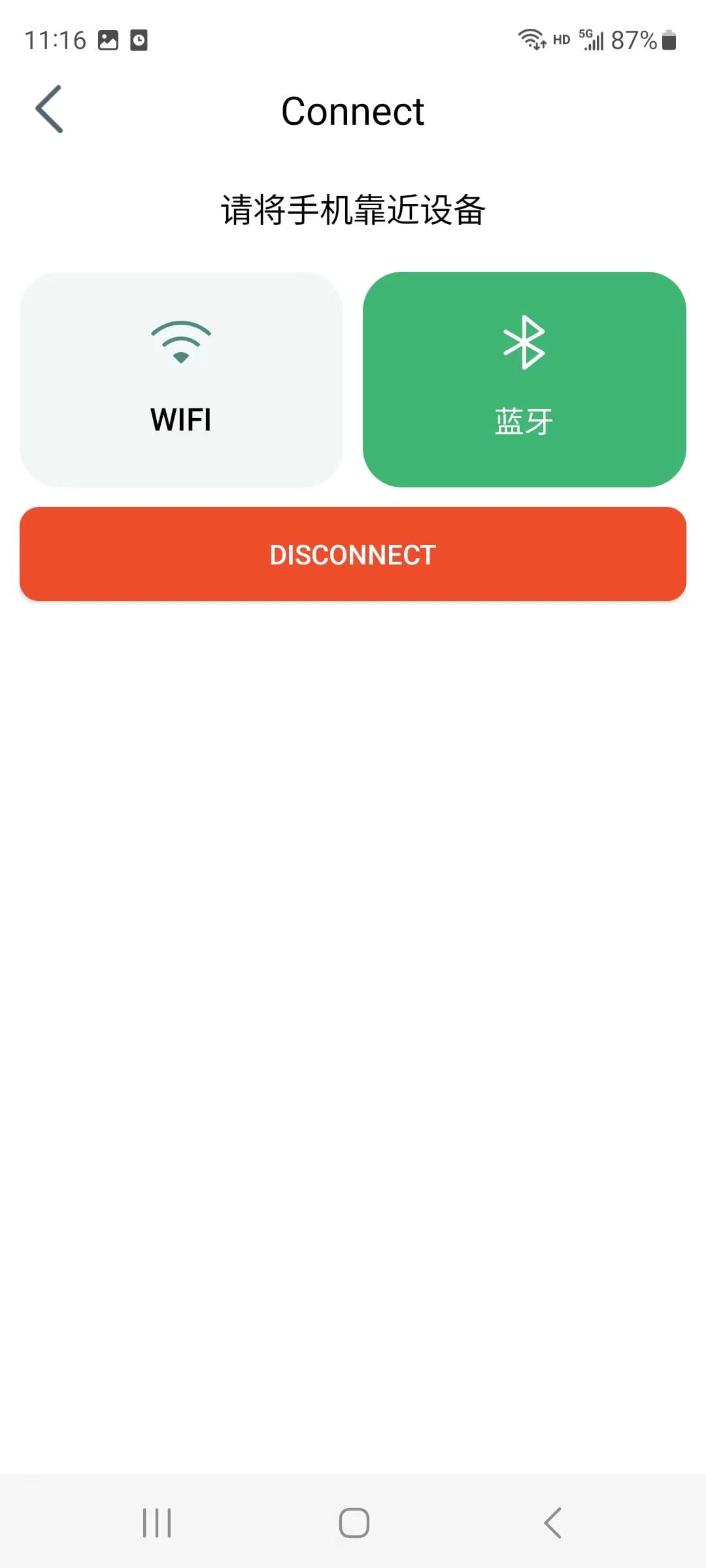
Step 4
- Just display the connection.
|
¶ WiFi connection
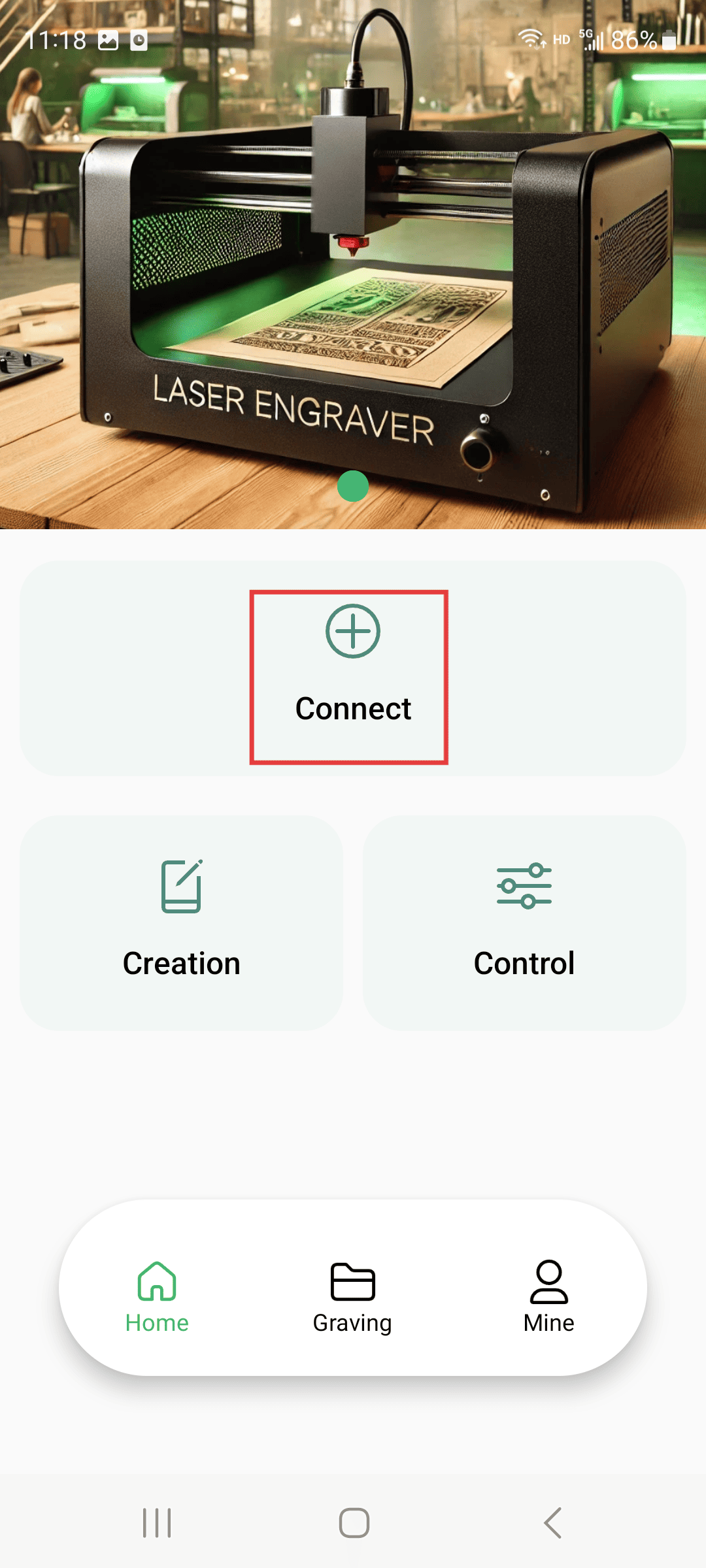
Step 1
- Click on the connection machine
|
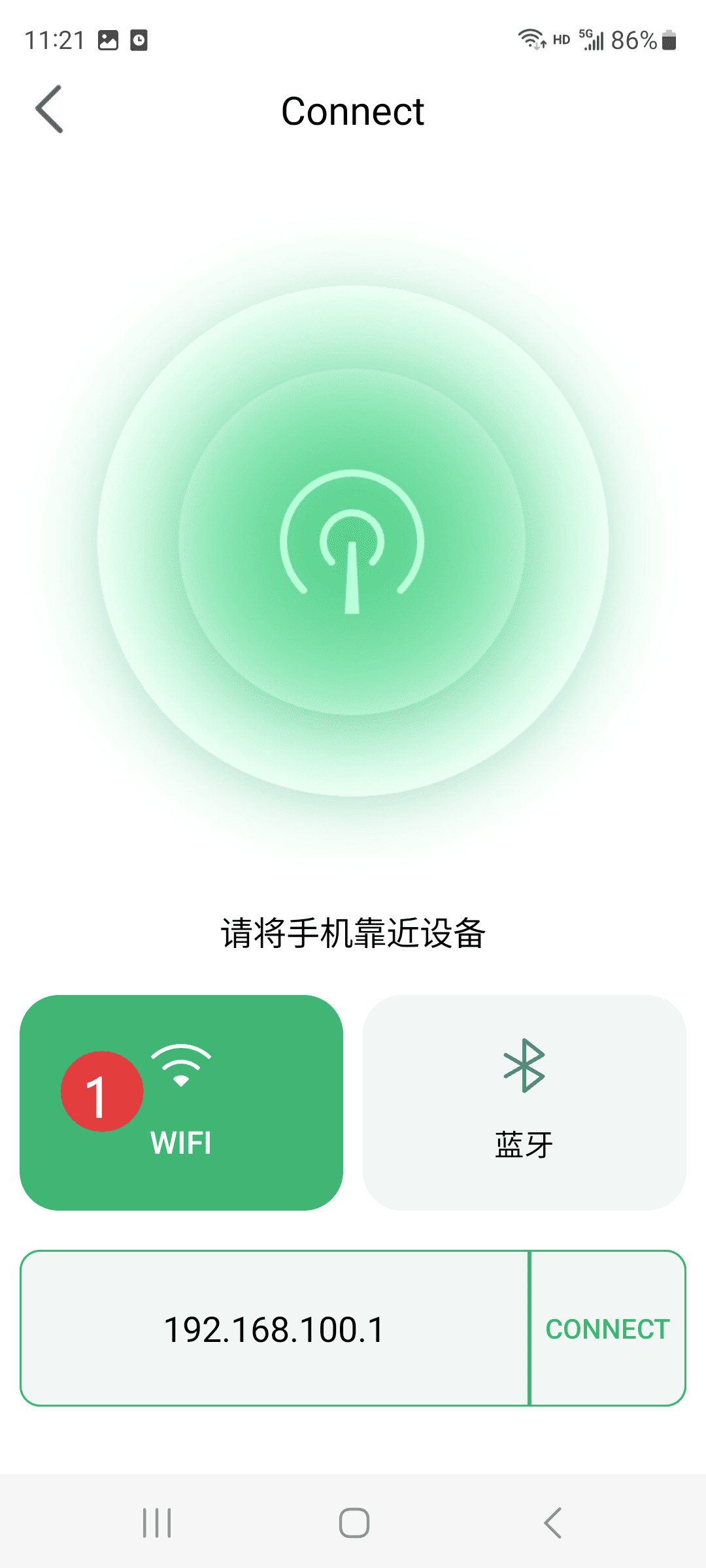
Step 2
- Click on WiFi mode
|
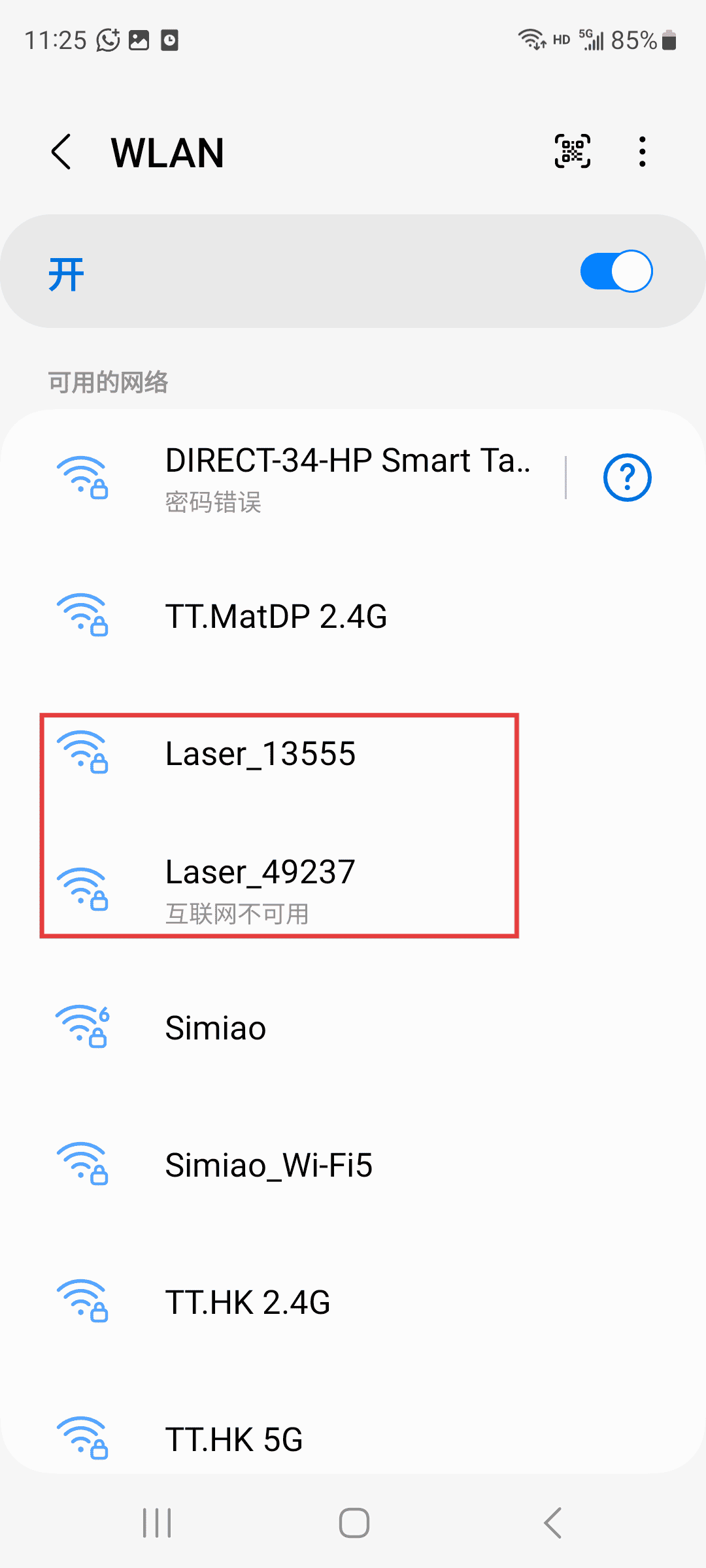
Step 3
- Open the WiFi page on your phone and select the WiFi signal starting with “Lasel” to connect.
|
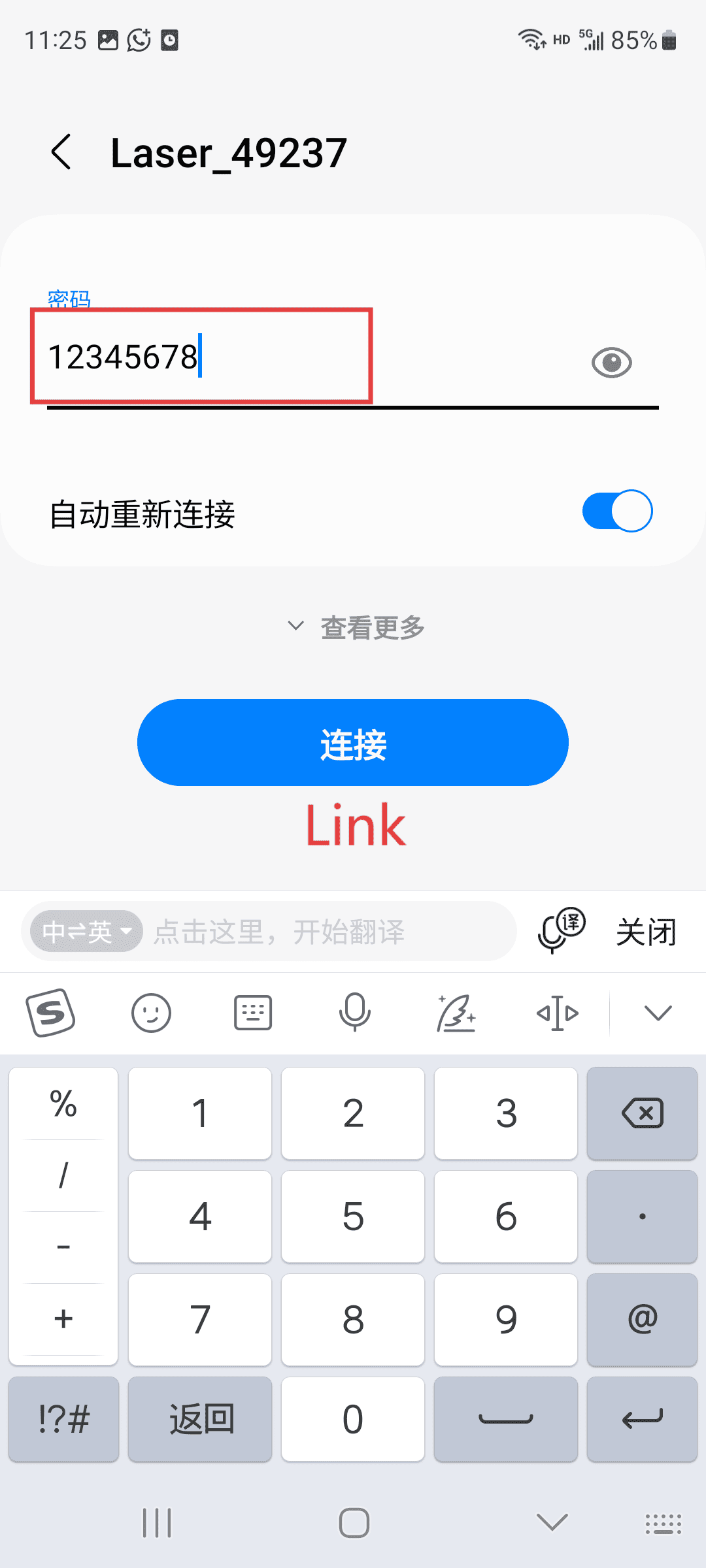
Step 4
- Enter the password to establish the connection (this signal is sent by the machine, so it cannot use the network. If there is any prompt, just keep the connection.)
|
Step 5(Operate according to the sequence numbers)
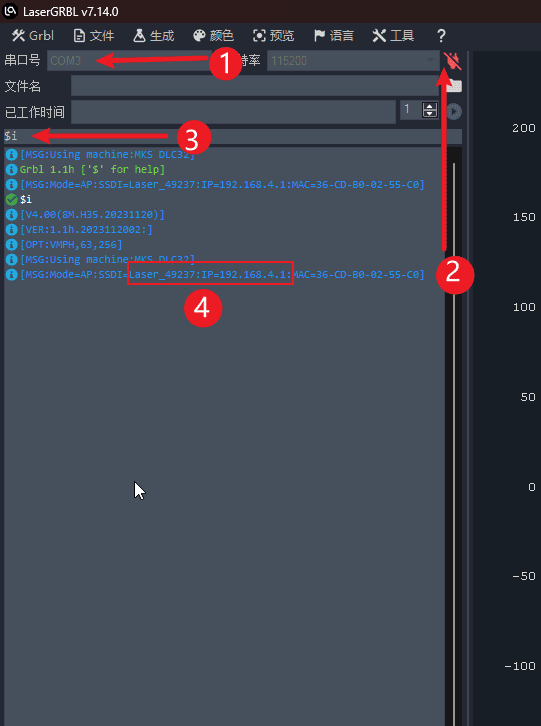
- 1.Rotate the corresponding COM port on the computer engraving software
- 2.Click on the connection machine
- 3.In the control panel, input “i”, then click “Send” to display the WiFi name and IP address of sequence number 4. You can also find the connected IP address on your mobile device.
|
Step 6(Operate according to the sequence numbers)
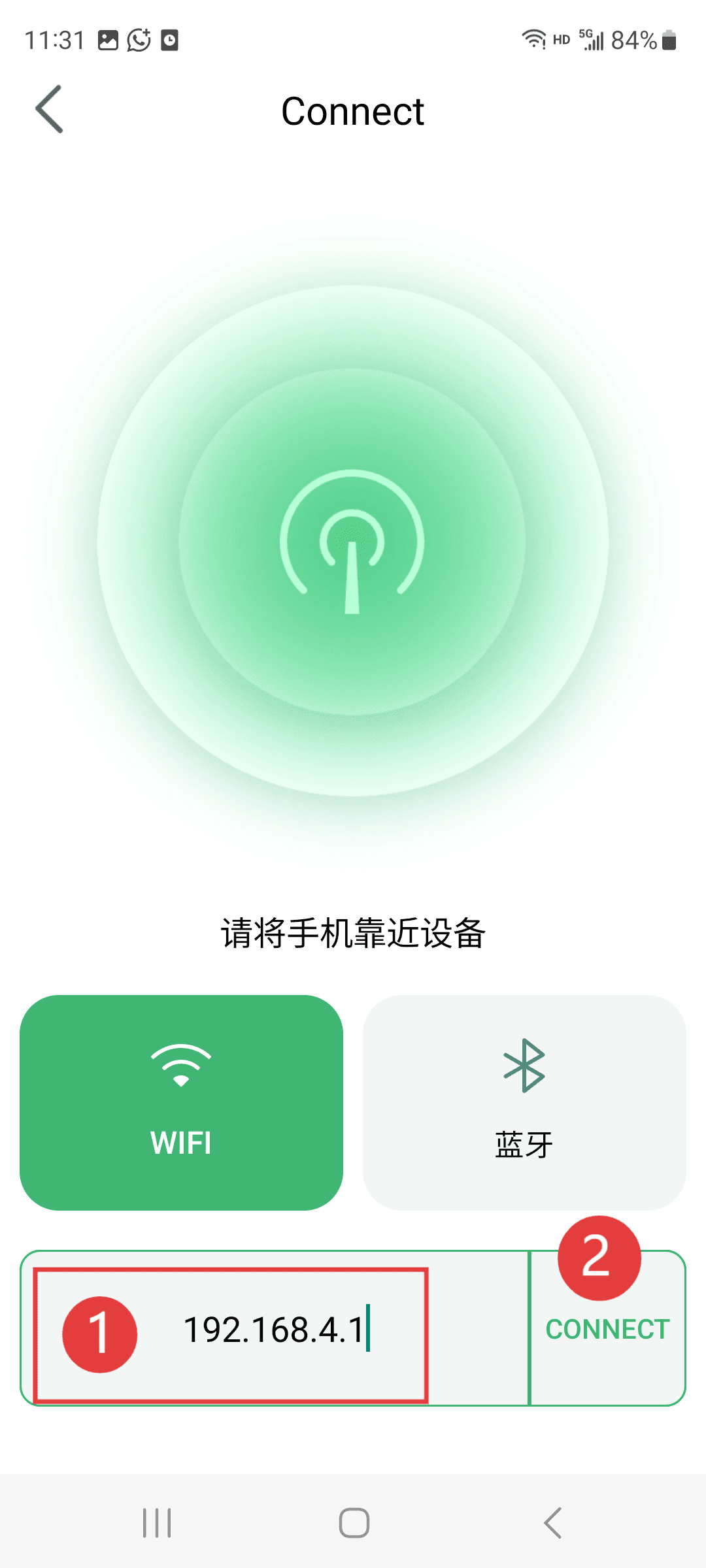
- 1.Input the IP address found in the previous step
- 2.Click the link to proceed.
|